
Did you know that you can simply hand out copies of Google files with one link? Here is how:
- Create a Google file (doc/sheet/slides/draw)
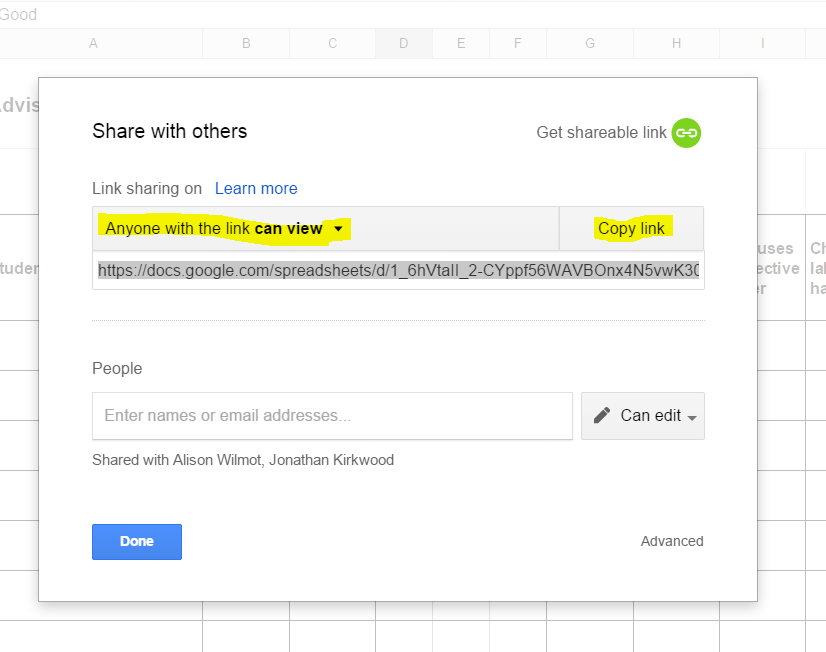
- Click the blue share button and make it visible by anyone with the link

- Modify the url (link) by deleting the portion after the backslash (/) https://docs.google.com/spreadsheets/d/1_6hVtaII_2-CYppf56WAVBOnx4N5vwK306n5ovYM-9U/
edit?usp=sharing - Replace the deleted text with the word copy
https://docs.google.com/a/zis.ch/spreadsheet/ccc?key=0AiqrAI5UxSJNdEpaa3FtaFNXOGdUWmQ2RDl5di1mWWc/copy - Pass out the link and those receiving it will get this prompt to make their own copy


 Tech Tuesday