Google Classroom PD

Standard

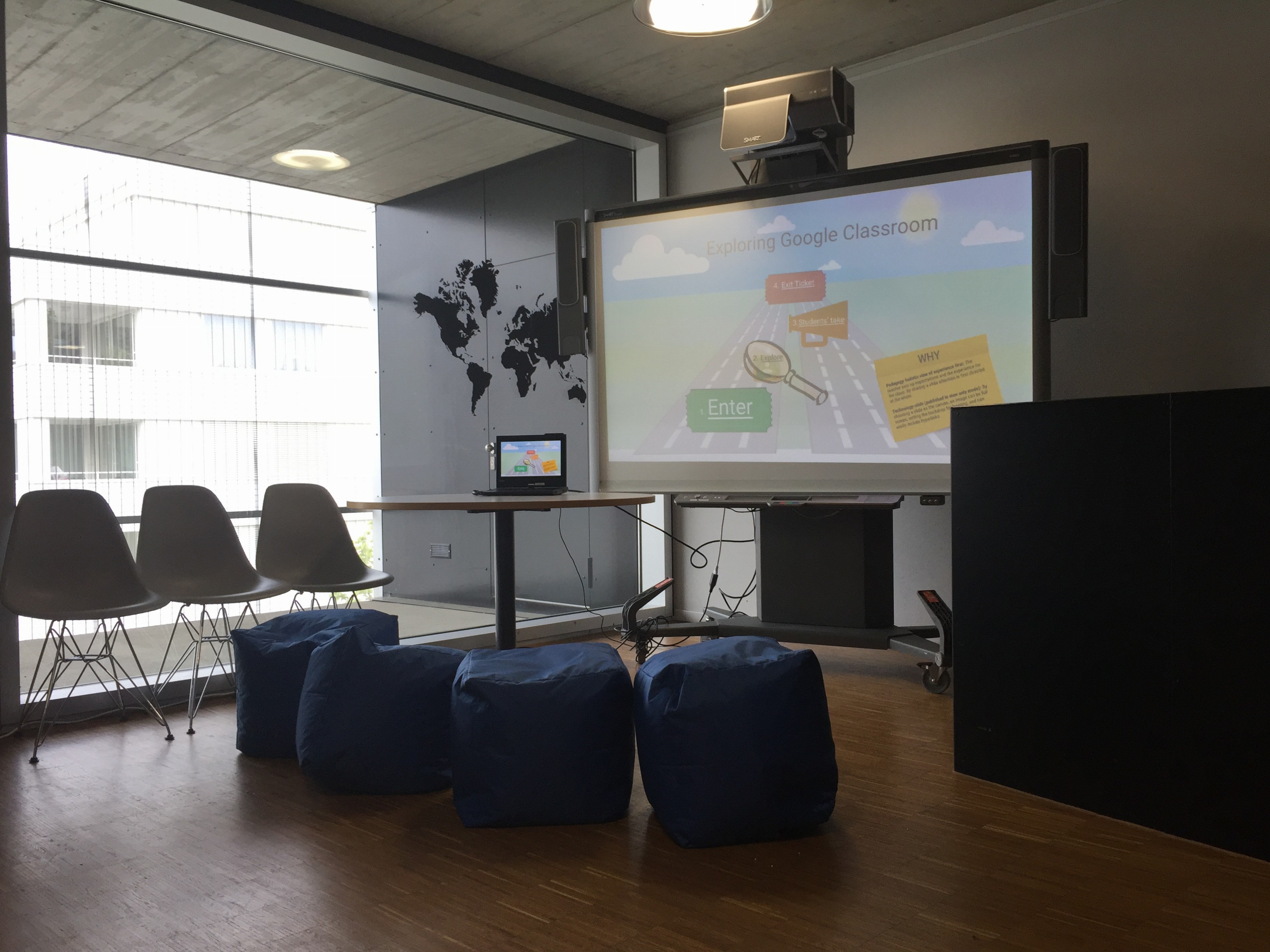
The explore Google Classroom station is now ready:) File_000It will be up for the month of May to help you get ready for the change communicated last week. Stop by to play, explore and learn.


If you have indicated you would like specific help (one-on-one) watch out for an email from Liz later today. The following group sessions will run next week, please RSVP below:


Below is an interactive template you can explore on your own, but it’s recommended that you explore classroom with a partner to be learn both the teacher and student perspectives. If you need a student to help you explore some are on hand ready and excited to help you.

 

Digital Portfolio Autosave Function

Standard

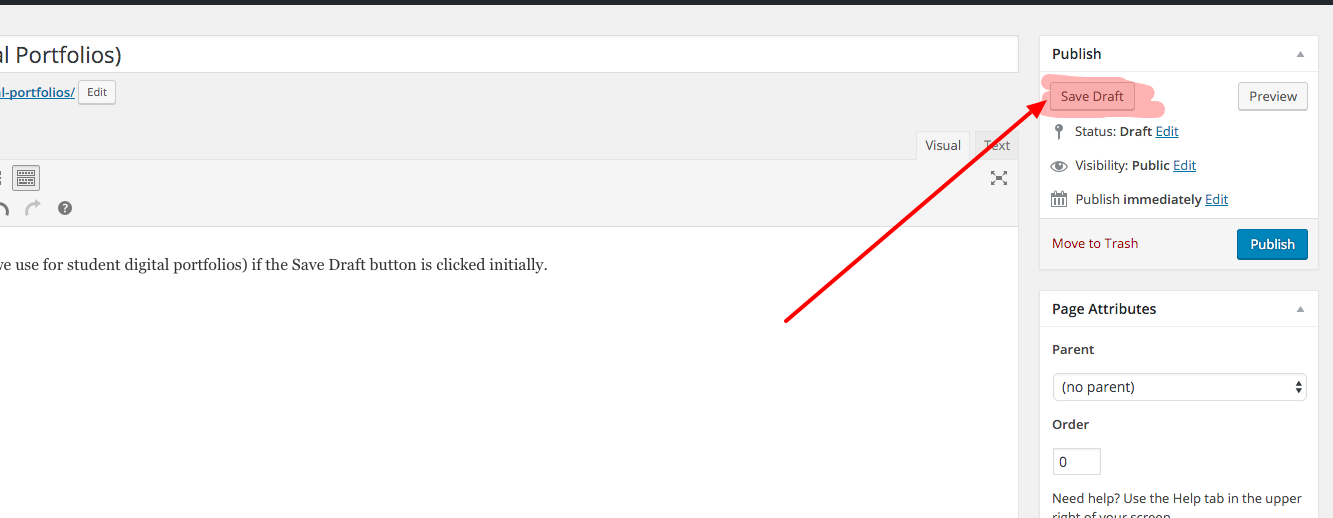
WARNING: The autosave function only works in WordPress (blogs we use for student digital portfolios) if the Save Draft button is clicked initially. Once this has happened students will see timestamped revisions directly under the body of the post. auto save


Speech to Text Worth Rethinking

Standard

Voice tools are expanding and transforming access to learning in the auditory realm like never before.

The speech to text tool within Google Drive has dramatically improved.  Below are a few ways you might want to consider using it to enhance the ways you give students feedback, or student learning. Speech to text is also useful for students that are auditory learners.

  • Voice comments for feedback-Consider replacing your red pen or written comments for conversational style feedback
  • Voice comments for conversation- Get a thread going between you and your students within the actual document they are working on
  • Provide auditory input for students outside of class-For language learners, pronunciation and word choice is often tricky. By capturing your voice they can replace your voice as many times as necessary, something that in class would be quite awkward for you and the students:)

TRY IT and add your voice comments within this Google doc.


*Screencastify is a solid screencast tool that saves straight to Google drive.