Helping to guide students from good to great, a 5 to a 6, a 3 to a 5 etc. is tricky and resource intense. Below are three examples below that leverage the power to gamification worth checking out:
Vocab.com as I have previously shared is one way to gamify subject specific vocab. Ask your ELL or English colleagues if you would like insight into how it’s being used at ZIS.
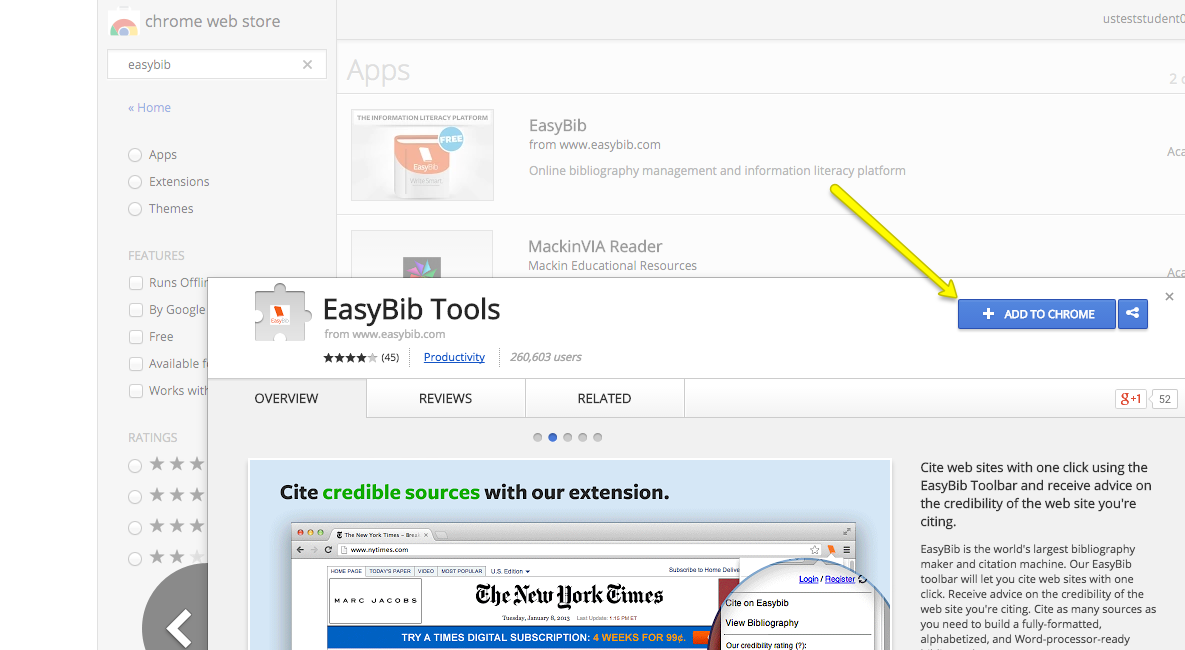
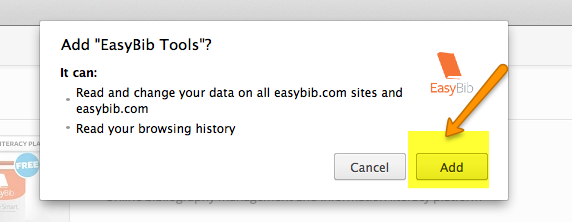
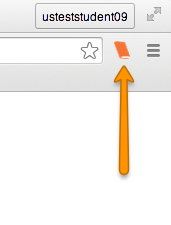
Now that you know the difference between an app and an extension check out this post, showing you how to add Easybib our newest ZIS sponsored Google add on.
All students and staff now have access to the upgraded school edition of EasyBib. This program is not a cure all for all of our citing needs, but it may well be a good tool to initiate more conversation around research and citation skills. Currently, we are exploring the program, but feel free to help students sign in right away. The new edition allows students to cite in a variety of citation styles free of charge. -Kevin
This tool can help you transform what Kasman and Boyer (2015) refer to as the “iterative, social, collaborative—and messy” process of inquiry in their article in this months issue of Educational Leadership titled Research Untethered.
Kevin is curating more information that will help you and your students use Easybib on the US Library Moodle site (under the US Other category), but for now here is some basic access information.
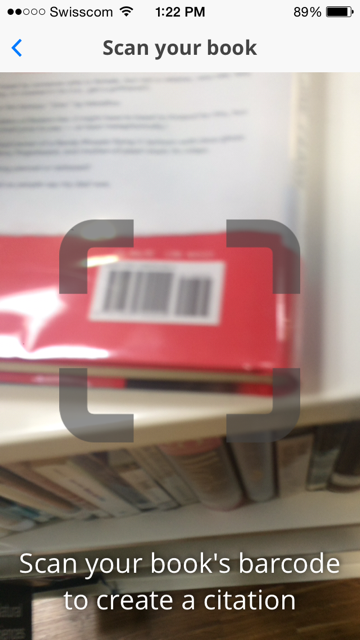
There are five main ways to access this tool, all with your normal ZIS username and password: (a) as a Google App, (b) a Google Add on, (c) extension, (d) through mobile device apps, or (e) directly through the easybib.com website.
Please access any one of these first ON CAMPUS to ensure you receive the Pro version.
(a) Google App
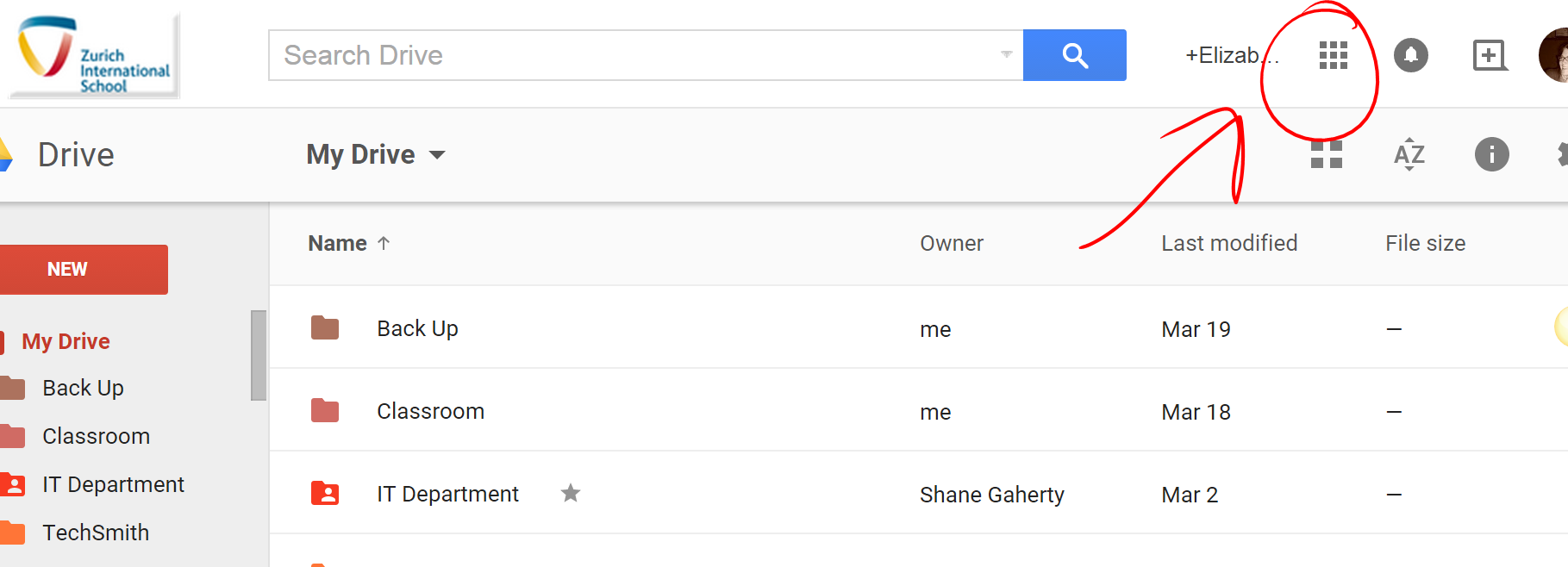
To access this resource sign into your google drive online (no additional sign in necessary for students or faculty) and select the grid icon in the upper right hand corner to view your apps
(b) Add-on w/in Google Docs
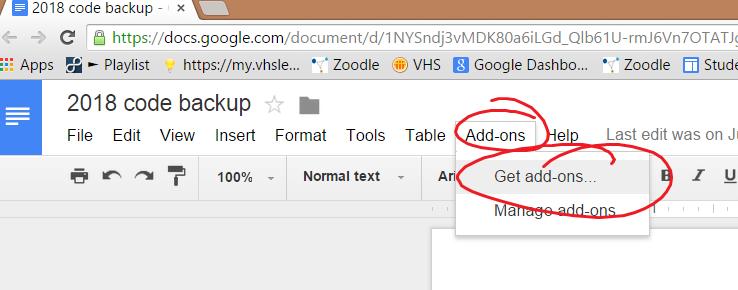
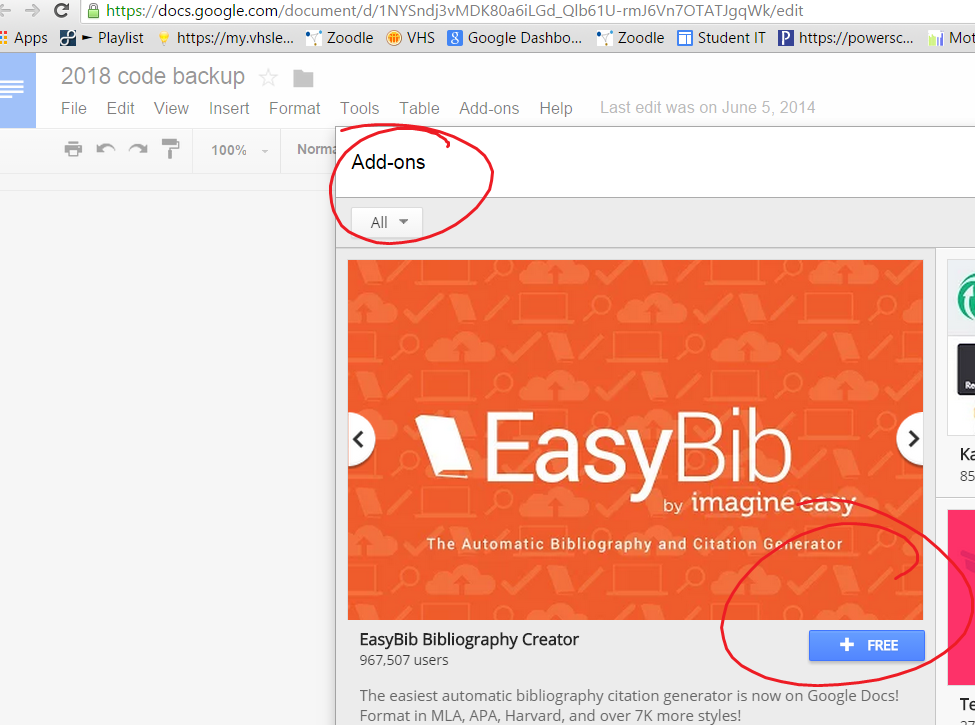
Easybib can also be accessed from within a document by clicking Add-ons too:)
Esther, Mary Ann and our English colleagues are using Vocab.com with students, and you can too!
To access vocab.com, make sure you are signed in to your school Google account (Chrome works best) and go to vocab.com in any of the following three ways:
You can make your own vocabulary lists based on subject specific vocabulary and share them with your students. Talk to Esther, Liz or Ian if you want a brief tutorial, or read the instructions on the website itself.
This web tool just might be the answer to those of you pulling your hair out over audio files in classwork. Audio tracks can be recorded on ones tablet or a smartphone and unloaded directly to Soundcloud, posted to an online space (i.e. a blog) or shared via e-mail. Claudia and Verena are testing it out as we speak with their German III classes. The free version of SoundCloud allows the user to have up to two hours of recording stored for free.
Voki creator is a tool is great to support storytelling, planning for subs, flipped classroom, or other situations where a voice input tool enhances learning.



 Tech Tuesday